OpenAI Launches GPT-Live: ChatGPT Can Now Listen and Talk at Once
OpenAI's new full-duplex voice architecture ends the walkie-talkie era of AI conversations, letting ChatGPT listen and speak simultaneously while quietly calling in GPT-5.5 for harder questions.

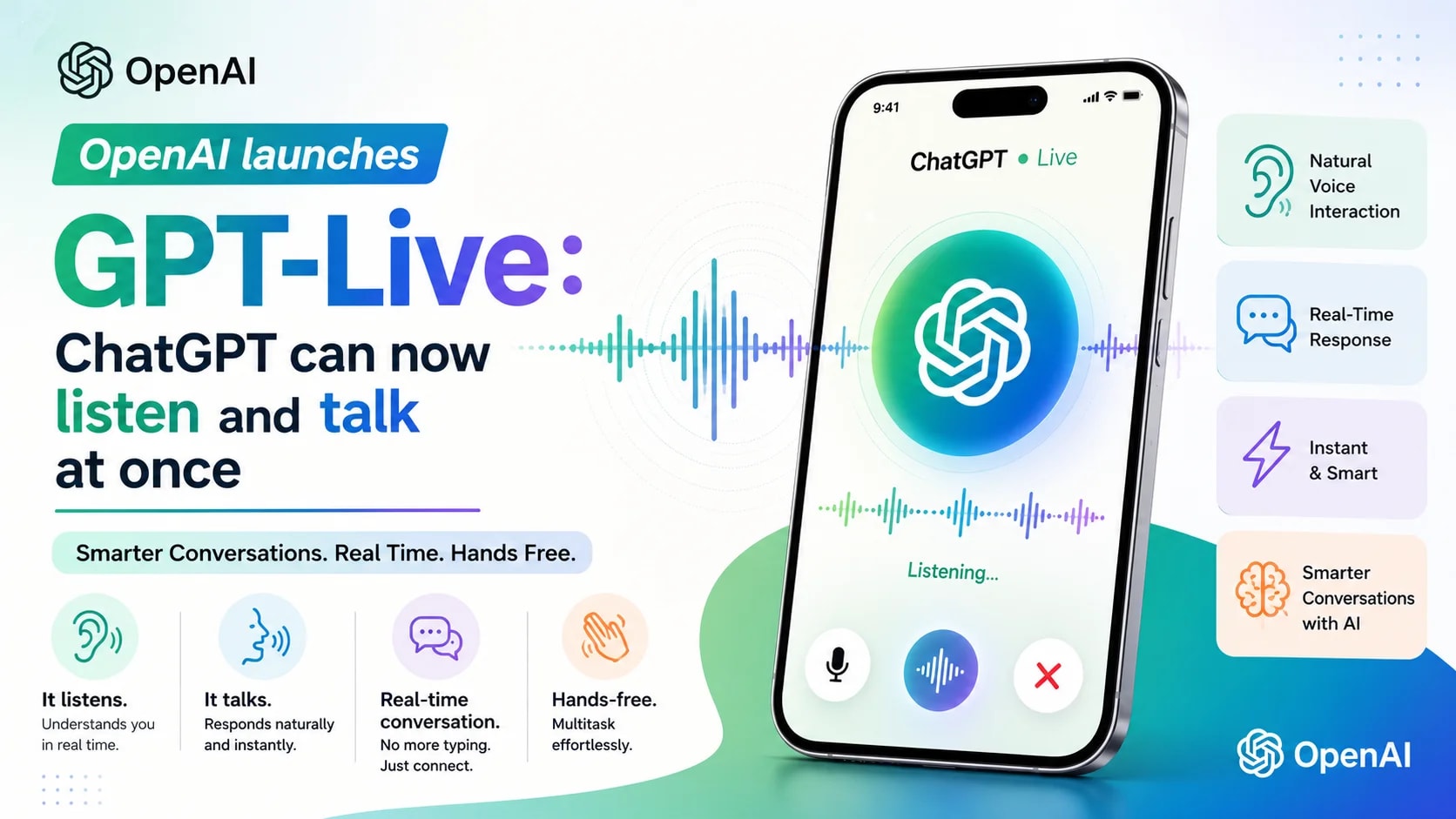
For years, talking to ChatGPT has felt a little like using a walkie-talkie. You speak, you stop, you wait, and only then does the assistant reply. That rigid back-and-forth has long been the biggest giveaway that you're chatting with a machine and not a person. OpenAI wants to change that for good.
The company has officially launched GPT-Live, a new generation of voice models built to make conversations with ChatGPT feel far closer to speaking with an actual human being. The headline feature is simple to describe but technically difficult to pull off: GPT-Live can listen and talk at the same time. No more waiting for a clean pause. No more awkward interruptions. Just a natural, flowing conversation.
This update is rolling out globally right now across iOS, Android, and the web, and it directly affects the more than 150 million people who already use ChatGPT Voice and Dictation every week. In this post, we'll break down exactly what GPT-Live is, how it works under the hood, what makes it different from Advanced Voice Mode, and what it means for everyday users, businesses, and the future of voice-first AI.
What Is GPT-Live?
GPT-Live is OpenAI's new family of voice models designed specifically to power natural, real-time spoken conversations in ChatGPT. It replaces the existing ChatGPT Voice experience with something that behaves much more like a real dialogue between two people.
OpenAI is rolling out two versions of the model at launch:
● GPT-Live-1 — the default voice model for ChatGPT Go, Plus, and Pro subscribers.
● GPT-Live-1 mini — a lighter version that becomes the default for Free users, replacing Advanced Voice Mode.
Both versions are available today on iOS, Android, and ChatGPT.com, with OpenAI also planning to bring GPT-Live to the API so developers and enterprises can build their own voice-based products on top of it.
The Core Idea: Full-Duplex Conversation
The single biggest change in GPT-Live is its full-duplex architecture. In plain terms, full-duplex means the model can listen and speak at the exact same time, rather than switching strictly between 'listening mode' and 'talking mode.'
This lets GPT-Live behave the way humans naturally do in conversation. It can drop in small acknowledgment sounds like "mhmm" or "got it" while you're still talking, to show it's paying attention. It can engage in quick back-and-forth exchanges without any delay. And crucially, it can also stay quiet and simply wait if you pause to gather your thoughts, instead of jumping in and cutting you off.
According to OpenAI, GPT-Live makes decisions multiple times every second about whether to speak, keep listening, pause, interrupt, or call on a tool. That constant, split-second decision-making is what gives the conversation its natural rhythm.
Why the Old System Felt Robotic
To understand why this matters, it helps to look at how ChatGPT Voice used to work. The original version was what's known as a cascaded system, meaning it chained together three completely separate models for every single exchange: one model to transcribe your speech into text, a second model to generate a text response, and a third model to convert that response back into audio.
Each hand-off between these models introduced delay, and information could get lost along the way, like tone of voice, emphasis, or emotional nuance. The result was replies that came back slowly and sounded noticeably robotic.
Advanced Voice Mode improved on this by collapsing the process into a single unified model, which made responses faster and more natural-sounding. But it still operated in strict turns: you spoke, then it spoke. GPT-Live is the first version built from the ground up to break that turn-based pattern entirely.
How GPT-Live Handles Harder Questions
One challenge with earlier real-time voice models is that they had to answer questions using only their own, relatively limited capabilities. That made them fast, but not particularly smart, and they often struggled with anything that required real research or deep reasoning.
GPT-Live solves this with a smart division of labor. When a question is simple, GPT-Live answers it directly and instantly. But when a question calls for a web search, deeper reasoning, or more complex multi-step work, GPT-Live quietly hands the task off to a stronger background model, currently GPT-5.5, and keeps the conversation flowing naturally while it waits for that answer to come back.
As OpenAI's ChatGPT voice product lead Atty Eleti put it in press briefings, this mirrors how people actually communicate: we keep a conversation going even while we're thinking something through in the background.
Choosing a Reasoning Level
GPT-Live also gives users direct control over how much thinking time they want the assistant to spend on a question. There are three settings available:
● Instant — for the fastest possible replies on simple questions.
● Medium — a balance of speed and depth for everyday questions.
● High — for situations where a question deserves more careful, thorough thinking.
This flexibility means GPT-Live can be just as useful for a quick weather check as it is for a complicated research question, all within the same natural voice conversation.
Benchmark Performance
OpenAI has shared benchmark results showing just how much smarter GPT-Live is compared to Advanced Voice Mode. On GPQA, a test of expert-level scientific reasoning, GPT-Live-1 reportedly scores far higher than its predecessor at the high reasoning setting. It also shows major gains on BrowseComp, a benchmark that measures agentic web search ability, along with strong results on an internal test simulating multi-turn telecom support calls.
In head-to-head human preference tests comparing five- to ten-minute conversations, OpenAI reports that people strongly favored both GPT-Live-1 and GPT-Live-1 mini over the older Advanced Voice Mode.
New Features Beyond Faster Talking
Visual Cards During Voice Conversations
ChatGPT Voice isn't just about audio anymore. With GPT-Live, questions about weather, stock prices, or sports scores can now surface rich, on-screen visual cards alongside the spoken reply. This means you get the best of both worlds: a natural spoken answer plus a quick glance at the actual data if you want it.
Voice also continues to support existing ChatGPT capabilities like search, memory, image understanding, and file uploads, so you're not losing any functionality by switching to voice-first interaction.
Refreshed Voices
OpenAI has also remastered the nine distinct voices available in ChatGPT specifically for GPT-Live, aiming for a more natural and expressive sound across the board.
Real-Time Translation Demo
During press briefings, OpenAI demonstrated a particularly striking use case: real-time, simultaneous translation, where the model spoke a running translation aloud while a presenter was still talking. The demo also showed the model responding to a wake word, with staff using the phrase "Hey Chat" to activate it hands-free.
What's Missing at Launch
GPT-Live does not yet support voice conversations paired with video or screen sharing in ChatGPT. OpenAI says both features are on the way, but for now, the older Standard and Advanced Voice Mode options remain available for anyone who needs those capabilities.
Safety and Privacy: Built for a Sensitive Medium
Because voice is such a personal and emotionally direct way to interact with AI, OpenAI says it treated safety as a first-class concern throughout GPT-Live's development, not an afterthought.
The company expanded its safety testing to include new audio-native evaluations covering self-harm, psychosis and mania, emotional reliance, violence, and sexual content. On top of that, GPT-Live includes real-time safeguards that can step in mid-conversation: steering a response away from a harmful direction, surfacing crisis resources, or, in higher-risk situations, ending the session altogether.
Protections for Teens and Families
OpenAI says age-appropriate behavior has been trained directly into the model to reduce the chances of an inappropriate response reaching a younger user. Parents can decide whether their child has access to ChatGPT Voice at all through Parental Controls, and in higher-risk situations involving signs of potential self-harm or suicidal intent, linked parents may receive a notification.
The company also says it plans to continue monitoring emotional reliance on the model after launch, building on its earlier research into how people form attachments to AI systems over time.
Preventing Voice Impersonation
To guard against misuse, GPT-Live only uses a defined set of preset voices, which helps prevent the model from being used to impersonate a real person's voice. OpenAI has been explicit that this caution matters: a voice assistant that sounds convincingly human earns a user's trust more easily, which also means it could mislead more easily if left unchecked.
Why This Launch Matters
Voice has historically been treated as a convenient side feature of ChatGPT rather than its primary interface. GPT-Live signals a shift in that thinking. OpenAI is positioning natural, full-duplex speech as a serious front end for AI, not just for casual chats, but for the more complex, multi-step, agent-like tasks that AI systems are increasingly being asked to handle.
This launch also arrived alongside a broader rollout of OpenAI's GPT-5.6 model series, suggesting that voice may increasingly become the surface where OpenAI's newest and most capable models reach everyday users first, rather than an afterthought bolted on later.
With over 150 million weekly users already relying on ChatGPT's voice and dictation features, this is not a niche experiment. It's a major upgrade rolling out to a massive, already-engaged audience all at once.
How to Try GPT-Live Right Now
If you already use ChatGPT, there's nothing extra to install or set up. Simply open the app on iOS, Android, or visit ChatGPT.com, and tap the Voice button as you normally would. If you're on a Go, Plus, or Pro plan, you'll automatically be talking to GPT-Live-1. Free users will be connected to GPT-Live-1 mini.
Because the rollout is happening in stages, it may take a few days for the update to reach every user worldwide, so don't worry if you don't see the change immediately.
GPT-Live vs. Advanced Voice Mode: A Quick Comparison
It's worth pausing to compare the two systems side by side, since the differences explain why so many early testers describe GPT-Live as a completely different experience rather than a minor update.
● Turn-taking: Advanced Voice Mode waits for silence before responding; GPT-Live can listen and speak simultaneously.
● Intelligence: Advanced Voice Mode answers using only its own built-in knowledge; GPT-Live can delegate harder questions to GPT-5.5 in the background.
● Reasoning control: Advanced Voice Mode offers no adjustable thinking time; GPT-Live lets users choose Instant, Medium, or High reasoning.
● Visual responses: Advanced Voice Mode is audio-only; GPT-Live can surface visual cards for weather, stocks, and sports.
● Interruptions: Advanced Voice Mode can talk over users at the wrong moment; GPT-Live is designed to wait quietly when a user pauses to think.
Taken together, these changes explain why OpenAI's internal testing shows such a strong preference for GPT-Live in direct comparisons with the older system.
Frequently Asked Questions
Is GPT-Live available to free ChatGPT users?
Yes. Free users automatically get GPT-Live-1 mini, a lighter version of the model, replacing Advanced Voice Mode as the default voice experience.
Do I need to download a new app to use GPT-Live?
No separate download is required. GPT-Live is rolling out directly inside the existing ChatGPT apps for iOS and Android, as well as on the web at ChatGPT.com. Simply tap the Voice button as usual.
Can GPT-Live see and respond to video or my screen?
Not yet. At launch, GPT-Live does not support voice conversations combined with video or screen sharing. OpenAI has said both features are planned for a future update, and the older Standard and Advanced Voice Mode options remain available in the meantime for anyone who needs them.
Is GPT-Live safe for children to use?
OpenAI has built age-appropriate behavior directly into the model and offers Parental Controls that let parents decide whether their child can access ChatGPT Voice at all. In situations involving signs of potential self-harm or suicidal intent, linked parents may also receive a notification.
Will GPT-Live come to the OpenAI API?
OpenAI says it plans to bring GPT-Live to the API soon, and developers and enterprises can sign up to be notified when that access becomes available.
Final Thoughts
For years, AI voice assistants have talked at people rather than truly with them. GPT-Live is OpenAI's most serious attempt yet to close that gap. By combining a full-duplex architecture with smart delegation to more powerful reasoning models, and layering in dedicated voice-specific safety work, OpenAI is betting that natural, uninterrupted conversation, not typing, will become the default way people interact with ChatGPT going forward.
Whether users are ready to embrace an AI that never quite stops listening is still an open question. But one thing is clear: after years of talking at people, ChatGPT may have finally learned the harder half of any real conversation, which is listening.