Java Syntax Basics: Your First Program Explained Line by Line
Confused by public static void main? This beginner-friendly lesson explains a basic Java program line by line — classes, the main method, statements, semicolons, braces, case sensitivity, and comments.

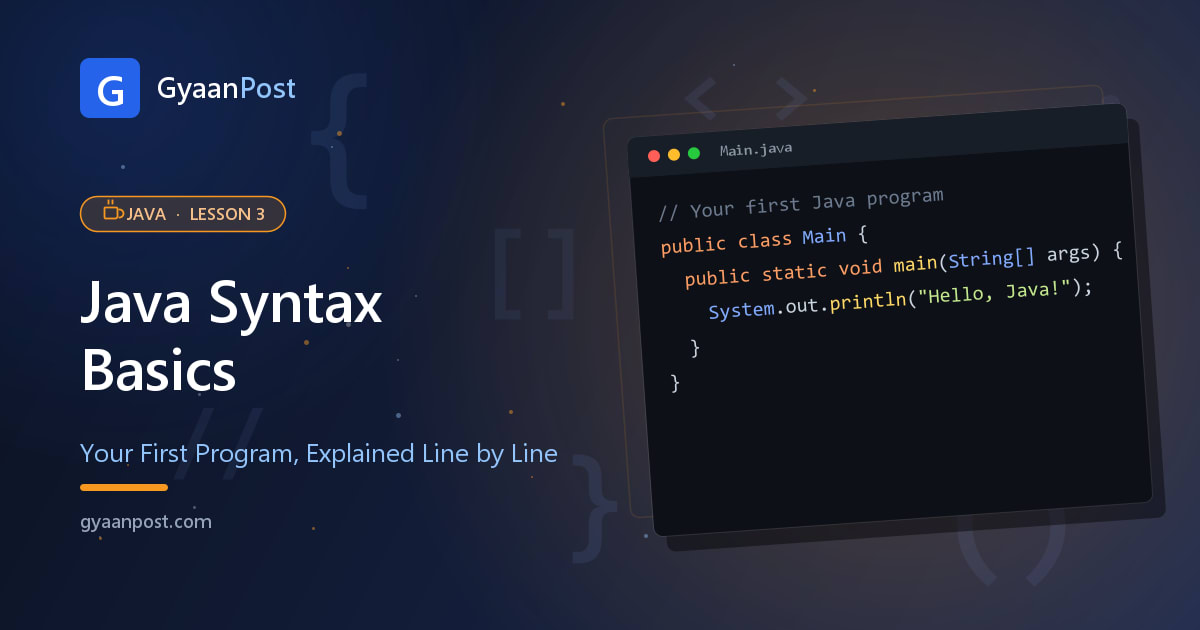
In Lesson 2 you ran your first Java program — but a lot of it probably looked like mysterious magic words. In this lesson we'll slow right down and explain that program line by line, so every piece finally makes sense. Once you understand this small program, you understand the skeleton of every Java program you'll ever write.
Here's the program again — keep it in mind as we break it down:
public class Main {
    public static void main(String[] args) {
        System.out.println("Hello, Java!");
    }
}
Line 1: public class Main {
Every Java program lives inside a class. Think of a class as a container that holds your code. Here we created a class named Main.
classis a keyword that says "I'm defining a class."Mainis the name we gave it. Important: the file name must match the class name, so this must be saved asMain.java.publicis an access modifier — it means this class is visible to everyone. (More on this later; for now just include it.)- The
{opens the class's "block" — everything inside the curly braces belongs to this class.
Line 2: public static void main(String[] args) {
This is the main method — the entry point where Java starts running your program. When you run a Java program, the JVM looks for exactly this line and begins here. Memorise its shape; you'll type it constantly.
public— visible to the JVM so it can start your program.static— lets Java run it without creating an object first (don't worry about this yet).void— means this method returns nothing.main— the special name Java looks for to start.(String[] args)— a way to receive input from the command line (you can ignore it for now).
Yes, it's a lot of keywords for one line! For now, just treat public static void main(String[] args) as the fixed "starting line" of your program. Its meaning will become clear over the next few lessons.
Line 3: System.out.println("Hello, Java!");
This is the line that actually does something — it prints text to the screen.
System.outrefers to the standard output (your screen/console).printlnmeans "print this, then move to a new line."- The text inside
"..."is a String — text wrapped in double quotes. - The
;(semicolon) ends the statement. Every statement in Java ends with a semicolon — forgetting it is the #1 beginner error.
Tip: println adds a new line; print does not.
The closing braces }
The last two } close the blocks we opened: the first closes the main method, the second closes the Main class. In Java, every { must have a matching } — they always come in pairs.
A few rules to remember
- Java is case-sensitive.
Main,main, andMAINare three different things.Systemmust have a capital S. - Every statement ends with a semicolon
;. - Braces come in pairs and define blocks of code.
- Whitespace and indentation don't change how Java runs, but good indentation makes your code readable — always indent code inside braces.
Comments: notes for humans
Comments are notes Java ignores when running — they're just for you and other developers:
// This is a single-line comment

/* This is a
   multi-line comment */

System.out.println("Comments help explain your code");
Use comments to explain why you did something — future-you will thank you.
Try it yourself
Change the text inside the quotes and run it again — print your own name, or a second line by adding another System.out.println(...). Experimenting like this is the fastest way to learn.
When I was starting out, that public static void main line intimidated me for weeks — until I realised I didn't need to fully understand it yet, I just needed to recognise it as "where the program starts." Give yourself the same permission: type it, run things, and the deeper meaning will click naturally as you go.
Key takeaways
- Every Java program lives in a class; the file name must match the public class name.
public static void main(String[] args)is the entry point where Java starts.System.out.println(...)prints text; every statement ends with a semicolon.- Java is case-sensitive, braces come in pairs, and comments (
//,/* */) are notes Java ignores.
← Previous: Lesson 2 — Install Java and Set Up Your First Program
Next: Lesson 4 — Variables and Data Types in Java →
Frequently Asked Questions
What is the basic syntax of a Java program?
A basic Java program has a class (public class Main), a main method (public static void main(String[] args)) which is the entry point where Java starts, and statements inside it such as System.out.println(...). Every statement ends with a semicolon and every opening brace has a matching closing brace.
What does public static void main(String[] args) mean?
It is the main method, the entry point where the JVM starts running your program. public makes it accessible, static lets it run without creating an object, void means it returns nothing, main is the special name Java looks for, and String[] args receives command-line input.
Why does every Java statement need a semicolon?
The semicolon tells Java where one statement ends. Every statement in Java must end with a semicolon, and forgetting it is one of the most common beginner errors that causes a compile error.
Is Java case-sensitive?
Yes. Java is case-sensitive, so Main, main, and MAIN are all different, and keywords like System must use the correct capitalisation (capital S).